5 Signs Your WordPress Site Has Outgrown Shared Hosting

Priya Mehta
August 17, 2026 • 6 min read
WordPress runs a huge share of the internet, and shared hosting is where almost every site starts — cheap, simple, good enough for a new blog or a small business page. For a while, it works fine. Then one day it doesn't, and the frustrating part is that it rarely fails all at once. It degrades slowly: a slow afternoon here, a broken plugin update there, until one day you're troubleshooting a "why is my site down" panic instead of running your business.
Here are five concrete, specific signs that your WordPress site has quietly outgrown shared hosting — not vague warnings, but the actual patterns that mean it's time to move.
1. Your Site Slows Down Specifically During Traffic Spikes
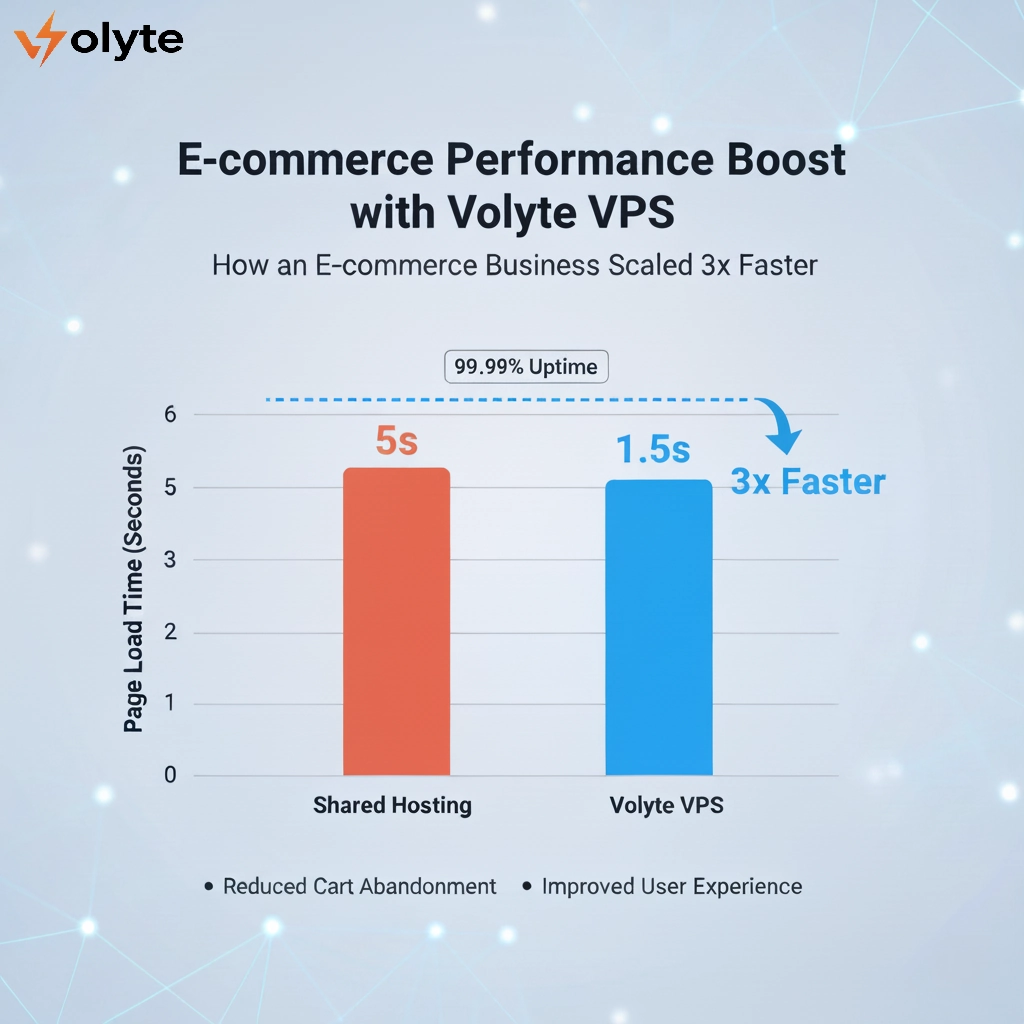
This is the clearest tell. If your site loads fine on a normal Tuesday afternoon but crawls (or times out entirely) the moment traffic increases — a sale, a social media mention, a marketing email going out — that's not a coincidence. On shared hosting, you're splitting CPU and memory with dozens or hundreds of other sites on the same server. When your traffic spikes at the exact moment a neighboring site is also under load, you're both fighting for the same limited resources, and neither of you wins.
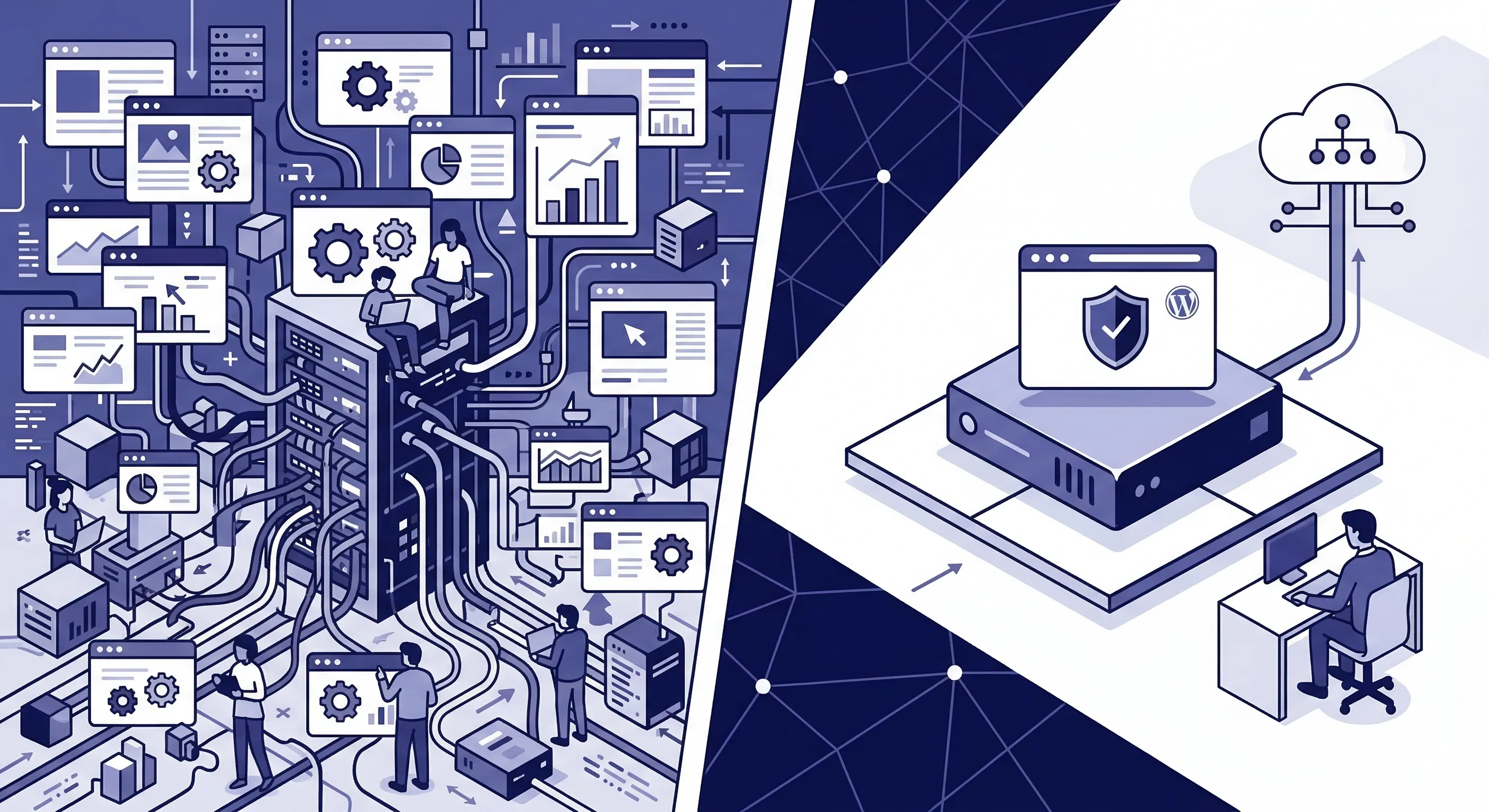
Managed WordPress hosting gives you dedicated, guaranteed resources specifically sized for WordPress's actual memory and CPU patterns — so a traffic spike is something your site handles, not something it survives.
2. Plugin Updates Make You Nervous, Not Excited
A healthy WordPress setup should let you update plugins without dread. If you've learned to put off updates because "last time it broke something," that's a sign your hosting environment isn't built to handle WordPress's specific dependencies — PHP version conflicts, memory limits during update processes, or caching layers that weren't designed with WordPress in mind at all (many shared hosting caching systems are generic, not WordPress-aware).
Managed WordPress hosting typically includes staging environments — a safe copy of your site where you can test an update before it touches your live site. That single feature alone removes most of the anxiety around keeping WordPress current, which matters because outdated plugins are one of the most common security vulnerabilities on the entire platform.
3. You've Never Actually Tested Your Backups
Almost every shared hosting plan claims to include backups. Far fewer make restoring from one simple, fast, or even possible without a support ticket and a wait. If you've never actually tried restoring your site from a backup, you don't really know if your backup system works — you're just hoping.
This matters more than it sounds like it should, because the moment you need a backup is never a calm moment. A hacked site, a bad plugin update, an accidental deletion — these all happen suddenly, and "our backups should be fine" is not the sentence you want to be saying under pressure. Managed WordPress hosting usually includes automated daily backups with a genuinely simple one-click restore, not a support-ticket-and-wait process.
4. Support Doesn't Understand WordPress Specifically
Generic shared hosting support is trained on generic hosting problems — DNS, email, disk space. That's useful, but it's not the same as support that actually understands WordPress: why a specific plugin conflicts with a specific theme, what a white screen of death usually means, or how to diagnose a slow database query coming from WooCommerce specifically.
If you've ever explained a WordPress-specific problem to support and gotten a generic troubleshooting script in response, that's a real gap — not a knock on the support team, just a sign the hosting product wasn't built around WordPress specifically.
5. You're Manually Doing Things a Host Should Automate
Are you the one remembering to update PHP versions? Manually clearing cache after every content change? Checking uptime yourself because you're not confident you'd be notified if the site went down? If you've become your own unofficial sysadmin just to keep a WordPress site running smoothly, that's the clearest sign of all — you're doing hosting-provider work because your current hosting isn't doing it for you.
What Actually Changes With Managed WordPress Hosting
The shift isn't just "better shared hosting." It's a stack actually built around WordPress's real behavior — NVMe storage and LiteSpeed-style caching tuned for WordPress specifically, free SSL and automated backups included rather than upsold, and support that already knows what a WooCommerce timeout or a broken Elementor update looks like, because they see it daily.
You Don't Need to Guess — Check the Signs
None of these five signs alone means panic. But if two or three of them sound familiar, that's not a coincidence either — it's your site telling you, fairly directly, that it's ready for infrastructure that was actually built for WordPress.
Curious what that looks like in practice? See Volyte's Managed WordPress Hosting plans — NVMe storage, LiteSpeed cache, free SSL and backups included, and the same renewal price every year, so moving up doesn't come with a pricing surprise either.
Frequently Asked Questions (FAQ)
1. How do I know if my WordPress site actually needs managed hosting?
The clearest signal is slowdowns that specifically happen during traffic spikes, not all the time. If your site is fine on a quiet day but struggles the moment traffic increases, that's a shared-resource ceiling, not a general performance problem.
2. Is managed WordPress hosting much more expensive than shared hosting?
It's priced higher than basic shared hosting, but the gap is usually smaller than people expect — and it often replaces costs you're already paying indirectly, like a backup plugin, a security plugin, and the time spent troubleshooting issues yourself.
3. Will moving to managed hosting break my current site or theme?
No — managed WordPress hosting runs standard WordPress, so your theme and plugins work the same way. A good migration (like the one Volyte's team handles) moves your files, database, and configuration with zero changes to how your site looks or functions.
4. Do I need technical knowledge to use managed WordPress hosting?
Less than you'd need on shared hosting, not more. The entire point is that server-level tasks — caching, backups, security patching — are handled for you, so you spend less time on infrastructure, not more.
5. What's the single biggest sign it's time to switch?
If you've caught yourself manually doing a hosting provider's job — clearing cache by hand, checking uptime yourself, dreading plugin updates — that's the clearest sign. A good host removes that work; it shouldn't be part of your routine.