
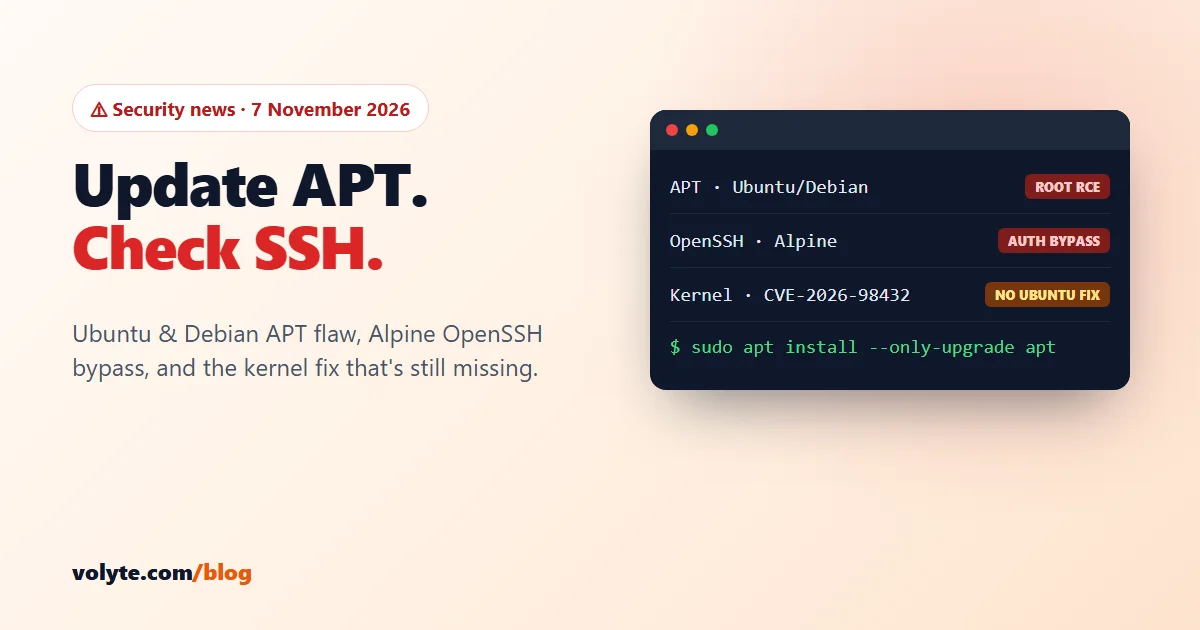
Updated 7 November 2026. Three things this week for anyone running a Linux server: a flaw in APT, the tool that installs every package on Ubuntu and Debian; an OpenSSH login bypass that hits Alpine Linux (and some Docker containers); and a status check on the kernel bug from our October security alert.
Short version: on Ubuntu or Debian, update the apt package today. If you run Alpine anywhere with SSH, update OpenSSH and restart it. Ubuntu users: keep the temporary CVE-2026-98432 firewall rule loaded, because the kernel fix still isn't out.
At a glance
| Issue | Who is affected | Fix |
|---|---|---|
| APT CVE-2026-109518 | Ubuntu 22.04 and newer, Debian 12 and 13 | Update the apt package (out since 4 Nov) |
| OpenSSH CVE-2026-123158 ("sshole") | Alpine Linux and other musl-based systems without PAM. Not Ubuntu, Debian, AlmaLinux or Rocky | OpenSSH 10.6p2 (out since 5 Nov), then restart sshd |
| Linux kernel CVE-2026-98432 | Ubuntu, RHEL, AlmaLinux, Rocky (Debian is fixed) | Ubuntu fix still "work in progress" on 7 Nov. Keep the firewall rule |
1. APT: a malicious mirror could run code as root
On 4 November Debian and Ubuntu fixed CVE-2026-109518 in APT. An attacker who sits between your server and the package mirror, for example a malicious mirror or proxy that can change plain-HTTP traffic, can trick APT into installing a package that was never verified. Because APT runs as root, that means code running as root on your server. Ubuntu rates it High (CVSS 7.7).
The attack depends on APT retrying failed downloads. Retries are switched on by default (Acquire::Retries = 3) from Debian 12 and Ubuntu 22.04 onwards, so those are the releases to update. Neither Debian nor Ubuntu reports attacks so far, but this is the tool every other update goes through, so don't wait.
Fixed apt versions:
- Ubuntu 22.04:
2.4.15ubuntu0.1· 24.04:2.8.4ubuntu0.1· 26.04:3.2.1ubuntu0.1 - Debian 12:
2.6.2· Debian 13:3.0.4
Check your version:
apt --versionUpdate it. The Acquire::Retries=0 option switches retries off for this one run, which closes the attack path while you install the fix:
sudo apt -o Acquire::Retries=0 update
sudo apt -o Acquire::Retries=0 install --only-upgrade apt -y
apt --version
No reboot is needed: APT isn't a running service. If you have automatic security updates switched on, the fix has probably installed itself already. Check the version to be sure.
2. OpenSSH "sshole": a password bypass on Alpine Linux
OpenSSH 10.6p2, released on 5 November, fixes CVE-2026-123158. On Linux systems built without PAM, especially those using the musl C library, an attacker could log in to certain accounts that have no password, without knowing any password. Alpine Linux's standard openssh-server package is built this way.
A security company reported login attempts within hours of the announcement. As of 6 November it was not on CISA's list of exploited vulnerabilities, but treat it as urgent if it applies to you.
Most VPS owners are not affected. Ubuntu, Debian, AlmaLinux and Rocky Linux use glibc and PAM, so their OpenSSH is safe from this bug. You need to act if you run:
- an Alpine Linux server or VM with SSH, or
- Docker containers based on Alpine that run their own SSH server (uncommon, but it happens).
On Alpine, update and restart SSH. Updating alone isn't enough, because the old sshd keeps running until you restart it:
apk update && apk upgrade openssh
rc-service sshd restart
ssh -V
If you can't update right away, turn off password logins in /etc/ssh/sshd_config and restart sshd. Only do this once your SSH key login works, or you'll lock yourself out:
PasswordAuthentication noThen check the log for password logins to accounts that shouldn't have one:
grep "Accepted password" /var/log/messages3. Kernel CVE-2026-98432: still no Ubuntu fix
The critical kernel bug from our October alert (rated 9.8, reachable over the network) is still marked "work in progress" for Ubuntu 22.04, 24.04 and 26.04 on Ubuntu's tracker, last updated 7 November. Debian 12 and 13 are fixed. Red Hat (and so AlmaLinux and Rocky) points to its mitigation bulletin.
Until the fixed kernel arrives, keep Red Hat's temporary nftables rule loaded. The full rule and steps are in the October post. Remember that the rule disappears on reboot, so check it's still there:
sudo nft list table inet cve_2026_98432If that returns an error, load the rule again. We'll update this post when Ubuntu and Red Hat ship the fix.
Coming up: Windows Patch Tuesday on 10 November
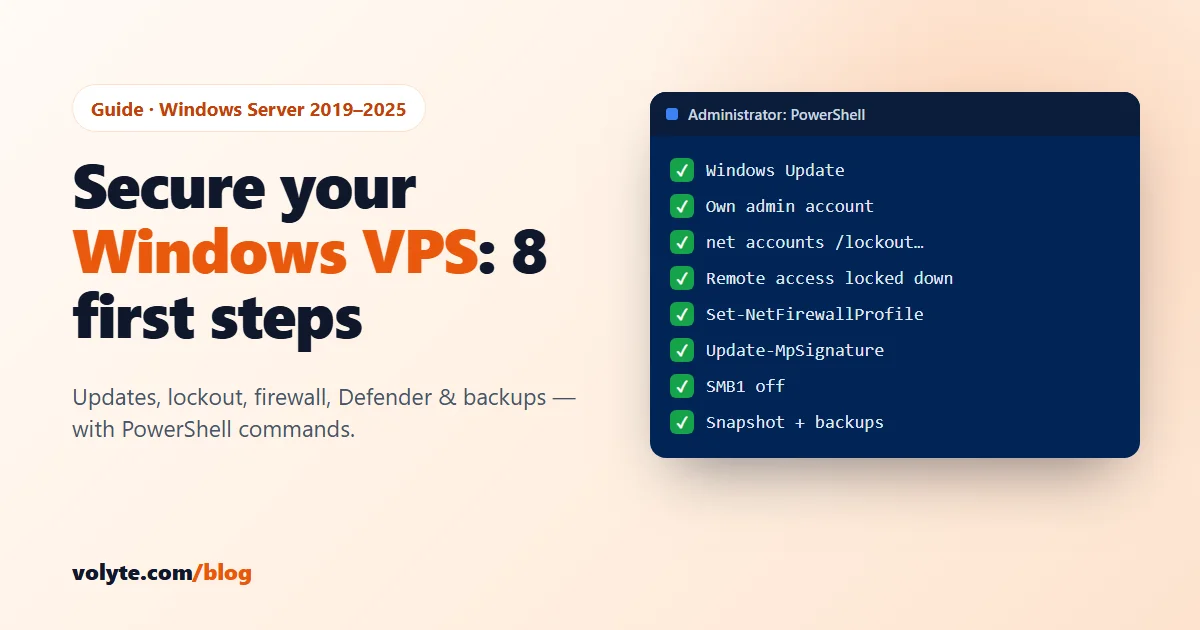
Microsoft's November security updates arrive on Tuesday, 10 November. If you run a Windows VPS, plan a restart window for that week. Our Windows VPS security guide shows how to install updates and check when they last ran.
Your 5-minute checklist
| Check | Done when |
|---|---|
| APT updated (Ubuntu / Debian) | apt --version shows the fixed version or newer |
| Alpine SSH patched | ssh -V shows 10.6p2 or newer and sshd was restarted, or you have no Alpine with SSH |
| CVE-2026-98432 covered | Debian kernel updated and rebooted, or the nftables rule loaded on Ubuntu / RHEL-based servers |
| Windows ready | Restart window planned for the week of 10 November |
Not sure what your server runs? Talk to our team on chat, ticket or phone: 24/7 in Hindi and English, real people. Setting up a new server? Start with our guide to securing a Linux VPS, or pick a Linux VPS with full root access.
Sources: Ubuntu CVE-2026-109518, Debian security tracker, OpenSSH release notes (10.6p2), Help Net Security on CVE-2026-123158, Ubuntu CVE-2026-98432, Red Hat RHSB-2026-016.
Frequently asked questions
Is my Ubuntu server affected by the APT flaw CVE-2026-109518?
If it runs Ubuntu 22.04, 24.04 or 26.04 (or Debian 12 or 13) and APT is older than the fixed version, yes. Run apt --version and update the apt package. The fixed versions came out on 4 November 2026. Older releases such as Ubuntu 20.04 and Debian 11 are not affected in their default settings.
Does the OpenSSH "sshole" bug affect Ubuntu or Debian?
No. CVE-2026-123158 only affects OpenSSH built without PAM on musl-based systems, mainly Alpine Linux. Ubuntu, Debian, AlmaLinux and Rocky Linux use glibc and PAM. Check any Alpine servers or Alpine-based Docker containers that run their own SSH server.
Do I need to reboot after updating APT or OpenSSH?
No reboot is needed for APT. For OpenSSH on Alpine, restart the SSH service with rc-service sshd restart. The old version keeps running until you do. Only kernel updates need a full reboot.
Has Ubuntu released the fix for CVE-2026-98432?
Not yet. On 7 November 2026 Ubuntu's tracker still shows it as "work in progress" for 22.04, 24.04 and 26.04. Keep Red Hat's temporary nftables rule loaded, and load it again after every reboot, until the fixed kernel is installed.
I'm on shared web hosting. Do I need to do anything?
No. On shared or managed hosting your host updates APT, OpenSSH and the kernel. These issues matter if you run your own VPS or dedicated server with root access.