
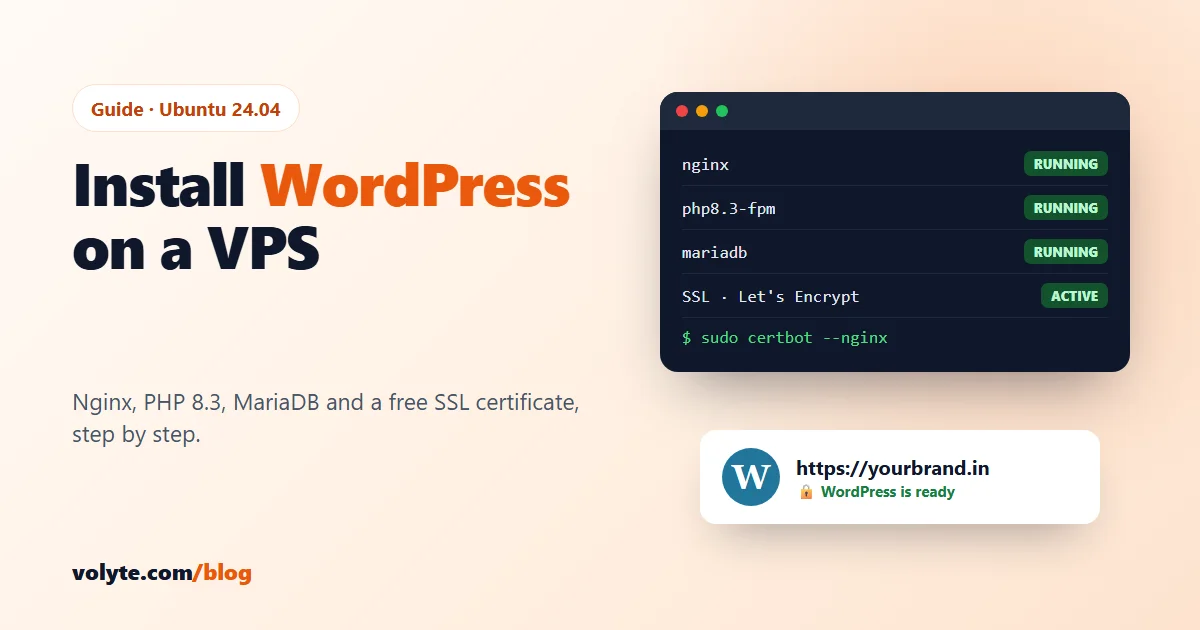
Running WordPress on your own VPS gives you full control: your own PHP settings, no "resource limit reached" emails, and room to grow. This guide installs it the fast, modern way, on what's called a LEMP stack: Linux, Nginx ("engine-x"), MariaDB (a drop-in MySQL) and PHP, plus a free SSL certificate. It takes about 20 minutes.
What you need
- A Linux VPS with Ubuntu 24.04. One small business site runs well on 2 GB RAM; for WooCommerce or several sites, choose 4 GB or more (see how much RAM and CPU your VPS needs).
- Your domain pointing to the server: an A record for
example.comand one forwww. Follow how to point your domain to your VPS first; the SSL step fails if DNS isn't ready. - A secured server. On a brand-new VPS, do the first security steps before anything else.
In every command and file below, replace example.com with your own domain.
1. Install Nginx, PHP and MariaDB
sudo apt update
sudo apt install -y nginx mariadb-server php-fpm php-mysql php-curl php-gd php-intl php-mbstring php-xml php-zip php-imagick unzip
Ubuntu 24.04 installs PHP 8.3. Check the version and the PHP-FPM socket name, because you need it in step 4:
php -v
ls /run/php/
You should see php8.3-fpm.sock.
2. Open the firewall
sudo ufw allow 'Nginx Full'
sudo ufw status
This opens ports 80 and 443. Port 80 is needed for the free certificate in step 6.
3. Create the database
First run the security script: press Enter for the current root password (there is none), then answer Y to the questions that remove test users and the test database.
sudo mariadb-secure-installationThen create a database and a user just for WordPress. Choose your own strong password:
sudo mariadbCREATE DATABASE wordpress DEFAULT CHARACTER SET utf8mb4 COLLATE utf8mb4_unicode_ci;
CREATE USER 'wpuser'@'localhost' IDENTIFIED BY 'Use-A-Strong-Password-Here';
GRANT ALL PRIVILEGES ON wordpress.* TO 'wpuser'@'localhost';
FLUSH PRIVILEGES;
EXIT;WordPress gets its own user with access to only its own database, so a problem in one site can't touch anything else.
4. Download WordPress and set up Nginx
cd /tmp
curl -O https://wordpress.org/latest.tar.gz
tar xzf latest.tar.gz
sudo mv wordpress /var/www/example.com
sudo chown -R www-data:www-data /var/www/example.com
Now tell Nginx about the site:
sudo nano /etc/nginx/sites-available/example.comserver {
listen 80;
server_name example.com www.example.com;
root /var/www/example.com;
index index.php index.html;
client_max_body_size 64M;
location / {
try_files $uri $uri/ /index.php?$args;
}
location ~ \.php$ {
include snippets/fastcgi-php.conf;
fastcgi_pass unix:/run/php/php8.3-fpm.sock;
}
location = /xmlrpc.php { deny all; }
location ~ /\. { deny all; }
}Enable it, switch off the default page, test and reload:
sudo ln -s /etc/nginx/sites-available/example.com /etc/nginx/sites-enabled/
sudo rm /etc/nginx/sites-enabled/default
sudo nginx -t
sudo systemctl reload nginx
What the important lines do:
try_files … /index.php?$argsmakes WordPress "pretty" links (like/about-us/) work. Without it they show 404.client_max_body_size 64Mlets you upload themes, plugins and images up to 64 MB.xmlrpc.phpis blocked because bots use it for password-guessing attacks, and most sites don't need it. If you use the Jetpack plugin or the WordPress mobile app, remove that line.
5. Raise PHP's upload and memory limits
PHP's defaults (2 MB uploads) are too small for WordPress. Open the settings file:
sudo nano /etc/php/8.3/fpm/php.iniFind and change these lines (in nano, Ctrl+W searches):
upload_max_filesize = 64M
post_max_size = 64M
memory_limit = 256M
max_execution_time = 120
sudo systemctl restart php8.3-fpm6. Get a free SSL certificate
sudo apt install -y certbot python3-certbot-nginx
sudo certbot --nginx -d example.com -d www.example.com
Enter your email and agree to the terms. Certbot gets a free Let's Encrypt certificate, adds HTTPS to your Nginx file and redirects HTTP to HTTPS. Certificates last 90 days and renew automatically; check renewal works with:
sudo certbot renew --dry-run7. Run the WordPress installer
Open https://example.com. Choose your language, then enter:
- Database name:
wordpress - Username:
wpuser - Password: the one you chose in step 3
- Database host:
localhost - Table prefix: keep
wp_, or change it to something likev7k_
Then set your site title and admin account. Don't use "admin" as the username; bots try it first. Use a long password.
8. Five things to do right after
- Permalinks: Settings → Permalinks → Post name. Clean URLs are better for visitors and Google.
- Block file editing in the dashboard, so a stolen password can't be used to change PHP code. Add this line to
/var/www/example.com/wp-config.php, above "That's all, stop editing":define('DISALLOW_FILE_EDIT', true); - Updates: keep WordPress, themes and plugins up to date, and delete the ones you don't use. Outdated plugins are the most common way WordPress sites get hacked.
- Backups: turn on server snapshots, and add a backup plugin that copies your files and database off the server (for example to Google Drive).
- Caching: install a caching plugin to make pages load faster and use less CPU.
Common problems
| Problem | Usual fix |
|---|---|
| 502 Bad Gateway | The PHP socket name in your Nginx file doesn't match. Run ls /run/php/, fix the fastcgi_pass line, then sudo nginx -t && sudo systemctl reload nginx. |
| Error establishing a database connection | Wrong database name, user or password in wp-config.php, or MariaDB is stopped: sudo systemctl status mariadb. |
| Pages other than the home page show 404 | The try_files line is missing from the Nginx file. |
| "The uploaded file exceeds the upload_max_filesize" | Raise both PHP's limits (step 5) and Nginx's client_max_body_size, then restart PHP-FPM and reload Nginx. |
| WordPress asks for FTP details to install plugins | File ownership is wrong. Run sudo chown -R www-data:www-data /var/www/example.com. |
| Certbot fails | The domain doesn't point to the server yet, or port 80 is closed. Check with dig +short example.com and sudo ufw status. |
VPS or managed WordPress hosting?
A VPS is the right choice when you want full control, run several sites, or need more power than shared hosting gives (see 5 signs your WordPress site has outgrown shared hosting). But you also look after updates, security and backups yourself.
If you'd rather not, our WordPress hosting runs on NVMe with WP Toolkit, free SSL and weekly backups, and we look after the server for you. If you want the control, a Linux VPS gives you full root access with NVMe storage. Both are the same price at renewal, with real people to help 24/7 in Hindi and English.
Frequently asked questions
How much RAM does WordPress need on a VPS?
One normal business website runs well on 2 GB RAM with Nginx, PHP and MariaDB. For WooCommerce stores, busy sites or several websites on one server, choose 4 GB or more.
Is Nginx better than Apache for WordPress?
Nginx uses less memory and handles many visitors at once more efficiently, so it is a good choice on a VPS. Apache works too and supports .htaccess files, which some plugins expect. With Nginx, WordPress permalinks need the try_files line in the server block.
How do I get free SSL for WordPress on a VPS?
Install Certbot with its Nginx plugin and run sudo certbot --nginx -d example.com -d www.example.com. It gets a free Let's Encrypt certificate, turns on HTTPS and renews it automatically every 90 days.
MySQL or MariaDB for WordPress?
Both work. MariaDB is a drop-in replacement for MySQL and is the default database package on Ubuntu and Debian, so WordPress uses it exactly as it would use MySQL.
Why does WordPress show 502 Bad Gateway on Nginx?
Nginx cannot reach PHP-FPM. Usually the socket path in the fastcgi_pass line is wrong or PHP-FPM is stopped. Check the name with ls /run/php/ and restart it with sudo systemctl restart php8.3-fpm.